Tips for Using the Documentation
To search for the content you want, use one of the following options:
- Use the Search box to search for keywords or phrases.
To search for a phrase, put quotation marks around the phrase. For example, "big red car".
Videos within the Documentation
Some articles include videos that provide more information about a particular setting or a task. When you select the link to watch a video, the video opens in a new web browser tab or window.
Missing or Incomplete Text
On some pages in the documentation, the text appears to be missing, incomplete, or cutoff as shown in the following image:
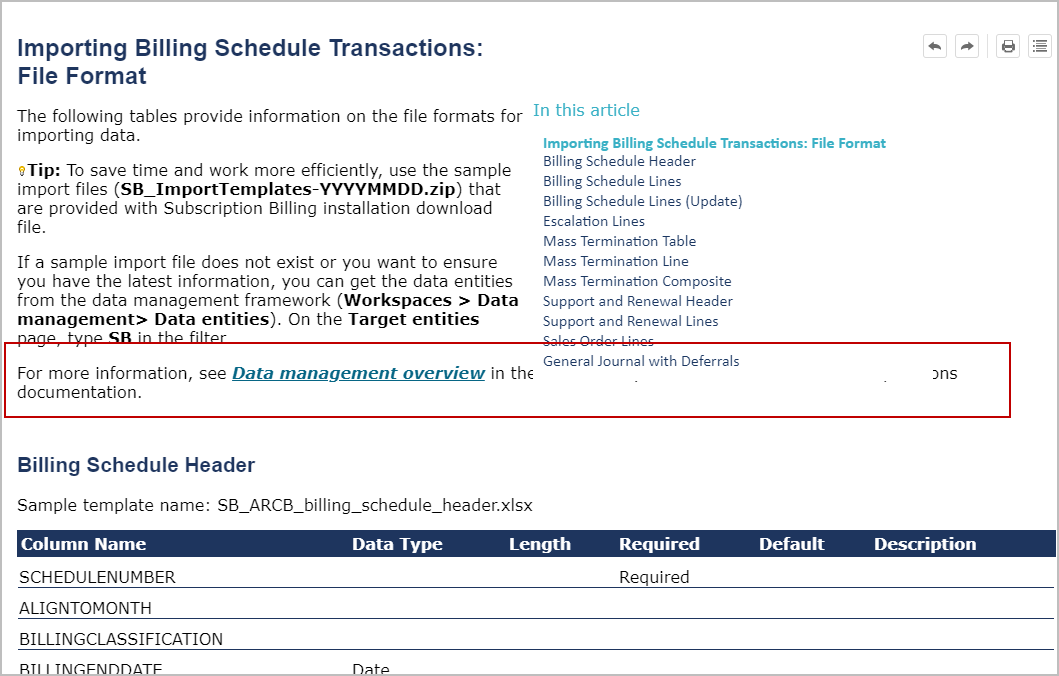
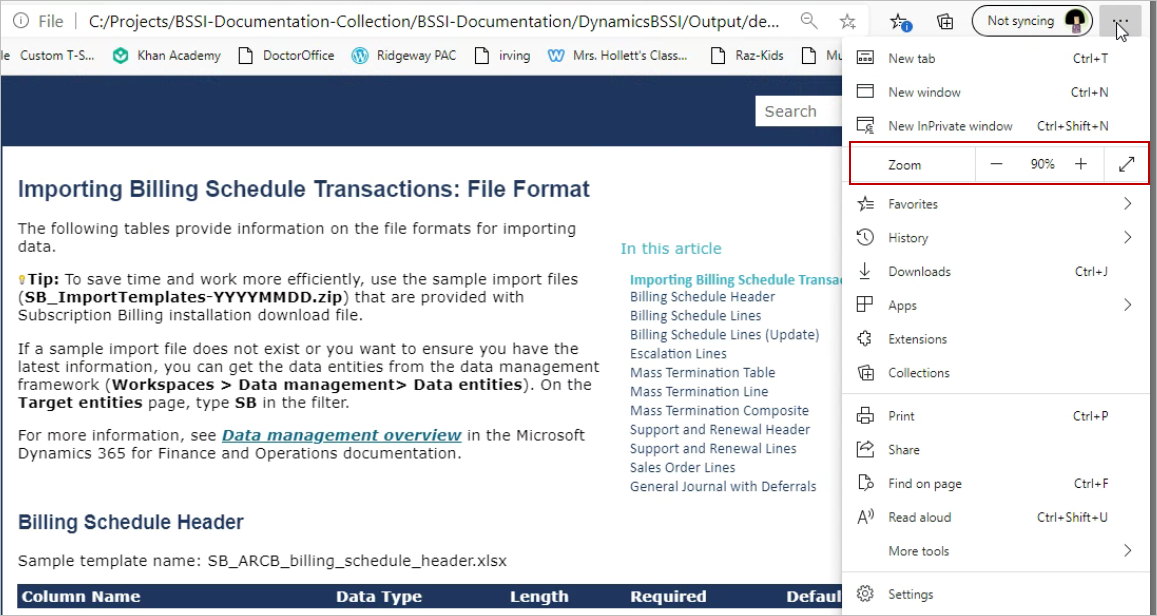
This issue occurs because the size of the browser window cannot accommodate the text size in the browser window with the In this article box. To resolve this issue, reduce the magnification of the text in your browser window. After you reduce the magnification, the complete text should appear. The following image is an example using Microsoft Edge.