Trans Line API, Event
First, go to the Web Services, and search for TransLine. You will need to retrieve the Object ID, and the OData v4 URL.

Copy the OData v4 URL, paste it into the Postman URL field, and press the Send button.

In this example, there are five primary keys: transaction type, document number, document line number, line number, and ARED sequence number.
Modifying Data
Note: In this API, date can be modified, but not posted. Therefore, you are able to use the PATCH request, but not the POST request.
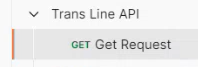
Launch Postman (or your preferred API editor), and navigate to Trans Line API > Get Request.
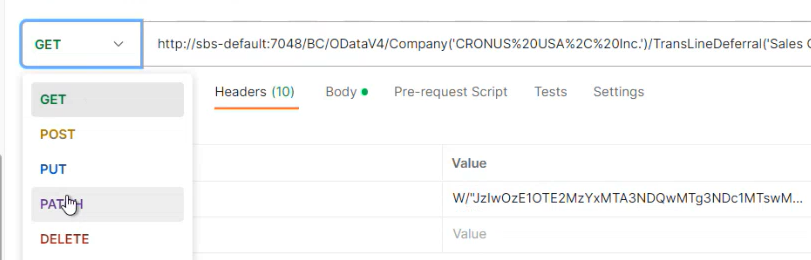
Before modifying any data, the old data must be copied to the headers. Click on the Headers heading, and then click on the down arrow beside the GET command. Select PATCH from the drop-down menu.
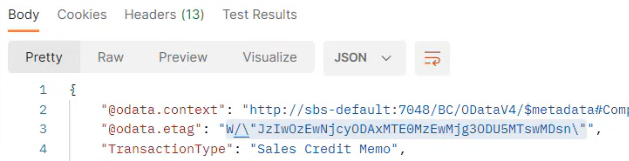
Copy the value in the OData eTag data line,
Select the If-Match Key, and paste the OData eTag information into its Value field.

Select PATCH from the API Request drop-down menu, and then select JSON from the Text menu.
Next, click on the Body heading, and select the fields that you wish to modify, and enter any new values.
Click on the Send button to submit the PATCH request and update the data.
After navigating back to the Sales Credit Memo you will see that the event lines data has been updated in this screen.
