Undo Changes
One of the benefits to having the Dimension Manager History Enabled is the ability to undo a change that has been made.
-
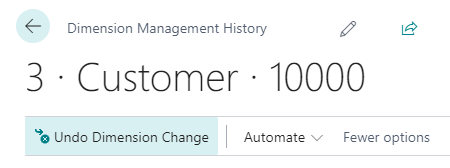
Open a Dimension Manager History record either from the posted document, posted ledger entry, or the Dimension Manager History List as shown in here in Step 2 of the View History procedure.
-
Select Undo Dimension Change.
-
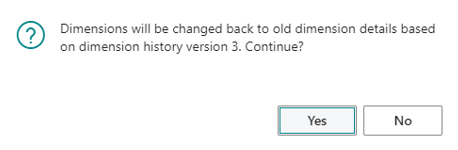
The dialog above will be displayed. Click Yes to continue.
Click to view full-size image.
-
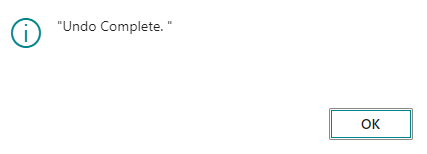
When process is complete, the Undo Complete prompt will be displayed.
Click to view full-size image.
Click to view full-size image.
Note: When undoing a change, the program does not delete the changes, but rather adds an additional Dimension Manager History record that shows the action, displaying standard User ID information and old and new values