Price Group
Create a Price Group
To create a price group, follow these steps:
-
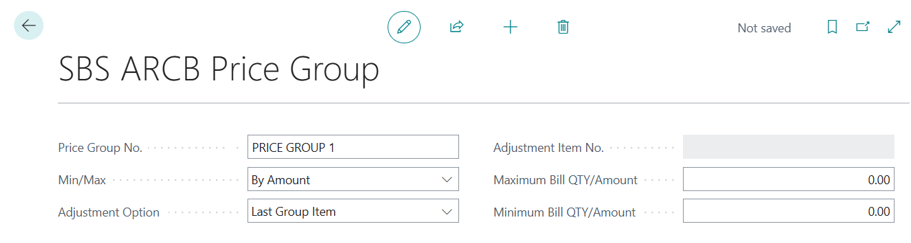
Navigate to SBS ARCB Price Group List, select New to open the Price Group Master page where user can create price group template.
-
In the Price Group Master page, setup the min/max values on the base of Min/Max options.
-
If the Min Max Is by Amount and then then adjustment will be made to Unit Price based on the Adjustment option.
-
If the Min Max Is by Quantity and then then adjustment will be made on quantity based on the Adjustment option.
-
If the user selects the Adjustment option as the “Other Item”. Then the user must select the adjustment item.
-
If the user selects the Adjustment option as the “last group item”, then the last item in the billing schedule line having same price group will be the adjustment item.
-